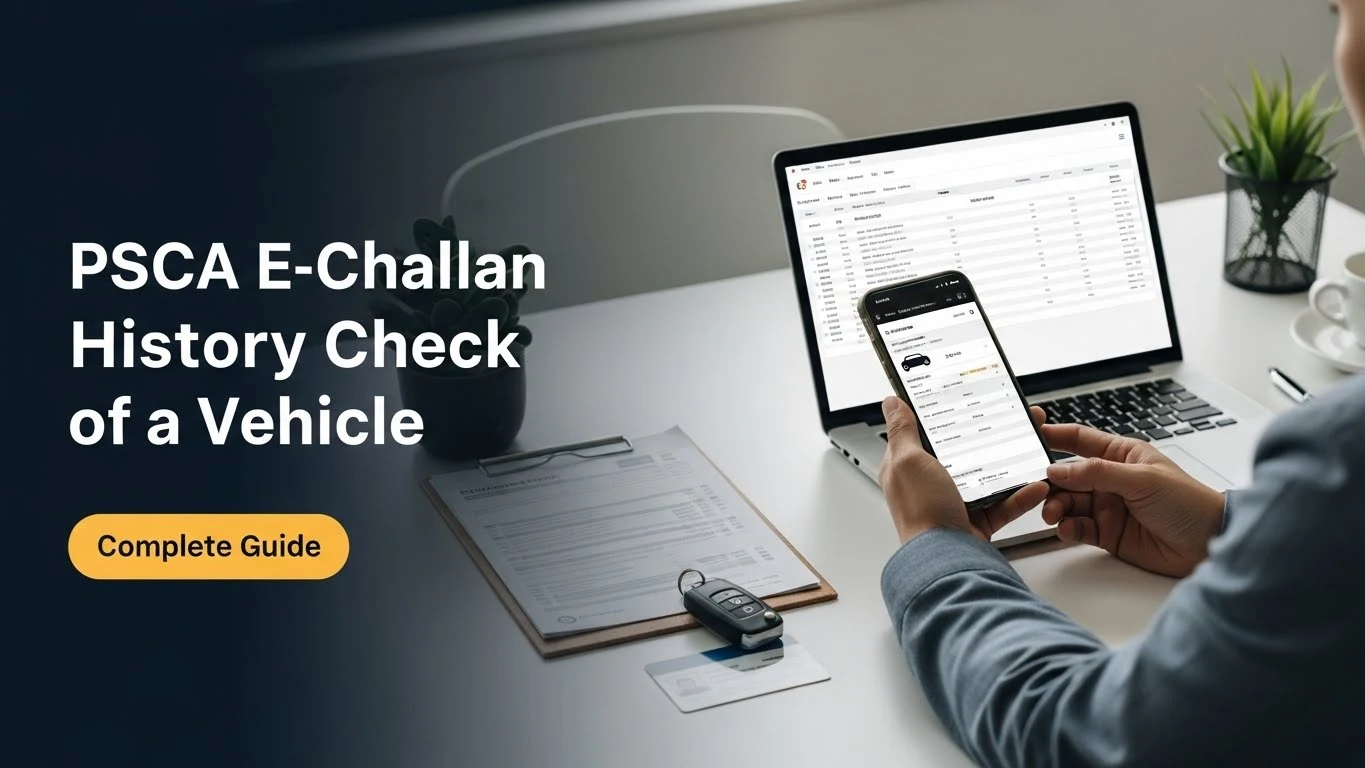
PSCA E-Challan History Check of a Vehicle 2026
Knowing a vehicle’s e-challan history check can save you from unexpected fines or legal trouble. Before buying a car or even verifying your own, reviewing past violations ensures you understand any pending liabilities. This is especially useful for checking a vehicle’s challan record and past fines, helping you avoid surprises during transfer or legal inspections.
With a proper e-challan history check, you can confidently confirm whether all dues are cleared and whether the vehicle has a clean compliance record. It’s a quick, practical way to protect yourself financially and legally.
Understanding Vehicle E-Challan History
Knowing a vehicle’s e-challan history is crucial before buying, selling, or even using it regularly. An e-challan history check gives a clear picture of the fines and violations linked to a vehicle, helping you avoid surprises later.
A vehicle’s e-challan history usually contains:
- Traffic fines: Speeding, signal violations, or illegal parking.
- Unpaid challans: Pending payments that can block ownership transfer.
- Other violations: Pollution check failures, lane discipline issues, or overloading cases.
Each record typically includes the date, type of violation, fine amount, and payment status. Reviewing these details ensures you know any past fines that may affect you legally or financially.
| Record Type | Details Captured | Importance |
|---|---|---|
| Traffic Fines | Violation type, date, amount | Legal compliance |
| Unpaid Challans | Pending payments, due dates | Ownership and transfer clarity |
| Other Violations | Notes on vehicle misuse | Avoid future penalties |
Regularly performing an e-challan history check ensures smooth ownership transfer, compliance with traffic rules, and transparency in resale.
Can I Access E-Challan History for Any Vehicle?
E-challan history is available only for registered vehicles in the PSCA system. Temporary or unregistered vehicles may not have any records, and access is limited to owners or authorized representatives.
Does E-Challan History Include Paid and Unpaid Fines?
Yes, the e-challan history includes all fines, whether paid or pending. This ensures you can see a complete record of past fines and track any unresolved penalties accurately.
Platforms and Portals to Access PSCA E-Challan History
Checking your e-challan history is simpler than many people think. The Punjab Safe Cities Authority (PSCA) provides multiple official platforms where you can view a vehicle’s challan record quickly and safely. Using these platforms helps avoid confusion and ensures you are paying fines accurately.
Here are the main options:
- PSCA Official Website
Visit the official portal to access the complete e-challan history. Enter your vehicle number or CNIC to see all records.
Pros: Reliable, updated in real-time, no app installation needed.
Cons: Desktop-friendly, may load slowly on mobile browsers.
[Internal link: PSCA website guide] - PSCA Mobile App
Available on Android and iOS, this app allows users to check their e-challan history check on the go. You can also pay fines directly from the app.
Pros: Mobile-friendly, push notifications for new challans, easy payment options.
Cons: Requires app updates, some older phones may face compatibility issues. - Excise & Taxation Department Portal
This portal provides a linked view of traffic fines along with other vehicle-related taxes. It is helpful for cross-verifying challan record and tax payments.
Pros: Combines tax and challan information, official source.
Cons: Slightly complex interface for first-time users, may require account registration.
Using any of these platforms ensures you stay informed and avoid surprises when transferring ownership or renewing your vehicle documents. Always cross-check records between the app and website for accuracy.
Step-by-Step Guide to Viewing a Vehicle’s E-Challan History
Checking your vehicle’s e-challan history is essential to stay clear of pending fines and avoid surprises during renewal or transfer. A proper e-challan history check ensures you know exactly what past fines exist, if any, and helps you plan next steps confidently. Follow these steps carefully for accurate results.
Step 1: Gather Vehicle Information
Before logging in, have your vehicle registration number, chassis or engine number, and owner details ready. Accurate information prevents errors when retrieving records.
Step 2: Access the Official E-Challan Portal
Visit your city or provincial traffic authority’s official e-challan website. Look for a section labeled “Vehicle E-Challan History” or similar.
Step 3: Enter Vehicle Details
Input the registration number exactly as printed on your registration certificate. Some portals may also ask for engine or chassis numbers for verification.
Step 4: Complete Security Verification
Many portals require a CAPTCHA or OTP to confirm you are a real user. Follow the on-screen instructions carefully.
Step 5: Submit and Wait for Results
After submission, the system displays your vehicle’s challan record, listing all past fines, dates, and payment statuses.
Step 6: Review Key Data Points
Check each entry for:
- Date of violation
- Location of the incident
- Type of violation
- Amount due or paid
- Payment status
Step 7: Take Screenshots or Print
For future reference, save a screenshot or print a table of your vehicle’s e-challan history. A simple table format can help you track multiple fines over time:
| Date | Violation Type | Location | Amount | Status |
|---|---|---|---|---|
| 2025-12-01 | Speeding | Main Rd | 500 | Paid |
| 2025-11-15 | Parking | Central St | 300 | Unpaid |
Step 8: Verify Accuracy
Compare the displayed information with any receipts or notifications you have. If discrepancies appear, contact the traffic authority promptly.
Following this structured approach ensures your e-challan history check is complete and reliable, helping you avoid accidental fines or legal issues.
Verifying Vehicle Details Before History Check
Before you start your e-challan history check, make sure your vehicle details are accurate. Incorrect entries can show incomplete or wrong records.
Use this simple checklist:
- Registration Number – exactly as on RC book
- Owner Name – matches official records
- Chassis/Engine Number – if required by portal
- Vehicle Type and Model – some portals use this to filter records
- Contact Info – sometimes needed for OTP verification
Verifying these details ensures your challan record results are precise and complete. Mistakes at this stage can lead to confusion or missed fines.
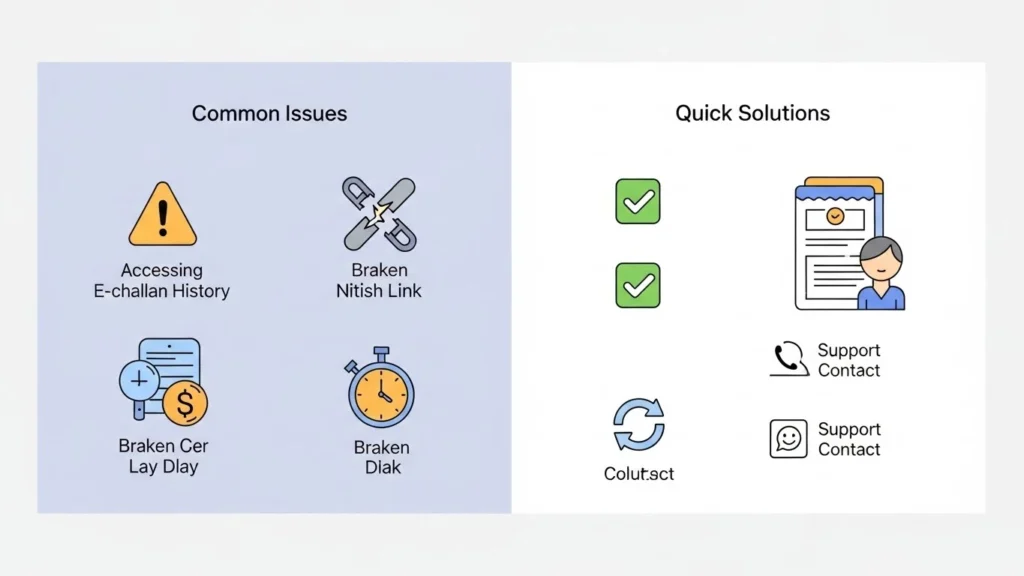
Common Issues While Accessing E-Challan History and How to Resolve Them
Accessing your e-challan history check should be simple, but many users face unexpected issues. These problems can cause confusion about unpaid fines or past payments. Here are the most common problems and quick solutions to keep your records accurate.
- Mismatched or Incorrect Records
Sometimes your vehicle details or challan numbers may not match the database.
Solution: Double-check your vehicle registration and challan numbers. Ensure you enter them exactly as on official documents. - Unavailable Challan Data
Older challan record or past fines may not appear due to delayed updates.
Solution: Wait 24–48 hours and refresh the portal. Keep receipts for reference in case of discrepancies. - Portal Downtime or Server Errors
Traffic to the e-challan system can sometimes overload the servers.
Solution: Try accessing the portal during off-peak hours. Clear browser cache or use a different device. - Payment Not Linked to Records
Paid fines may not immediately reflect in your history.
Solution: Keep proof of payment ready. Contact support if the issue persists for more than a few days.
Following these steps ensures your e-challan history check is accurate and up-to-date, helping you avoid unnecessary fines or disputes.
Why Regularly Checking E-Challan History is Important
Keeping an eye on your e-challan history may seem tedious, but it can save you money and legal trouble. Regular checks help you stay informed about any pending fines and ensure that your driving record is clean. By reviewing your past fines, you can address issues before they escalate and avoid surprises during vehicle inspections or legal checks.
Key benefits include:
- Avoid Penalties: Spot unpaid fines early and pay on time to prevent extra charges.
- Ensure Legal Compliance: Stay updated with traffic rules and requirements.
- Resolve Disputes Quickly: Identify and contest any incorrect or duplicate fines.
- Track Driving Behavior: Learn from repeated violations to improve road safety.
Regular monitoring gives peace of mind and keeps you in control of your driving record.
FAQs About PSCA Vehicle E-Challan History
Checking your vehicle’s e-challan history can feel confusing at first. These FAQs clarify common doubts so you can quickly understand past fines and avoid surprises.