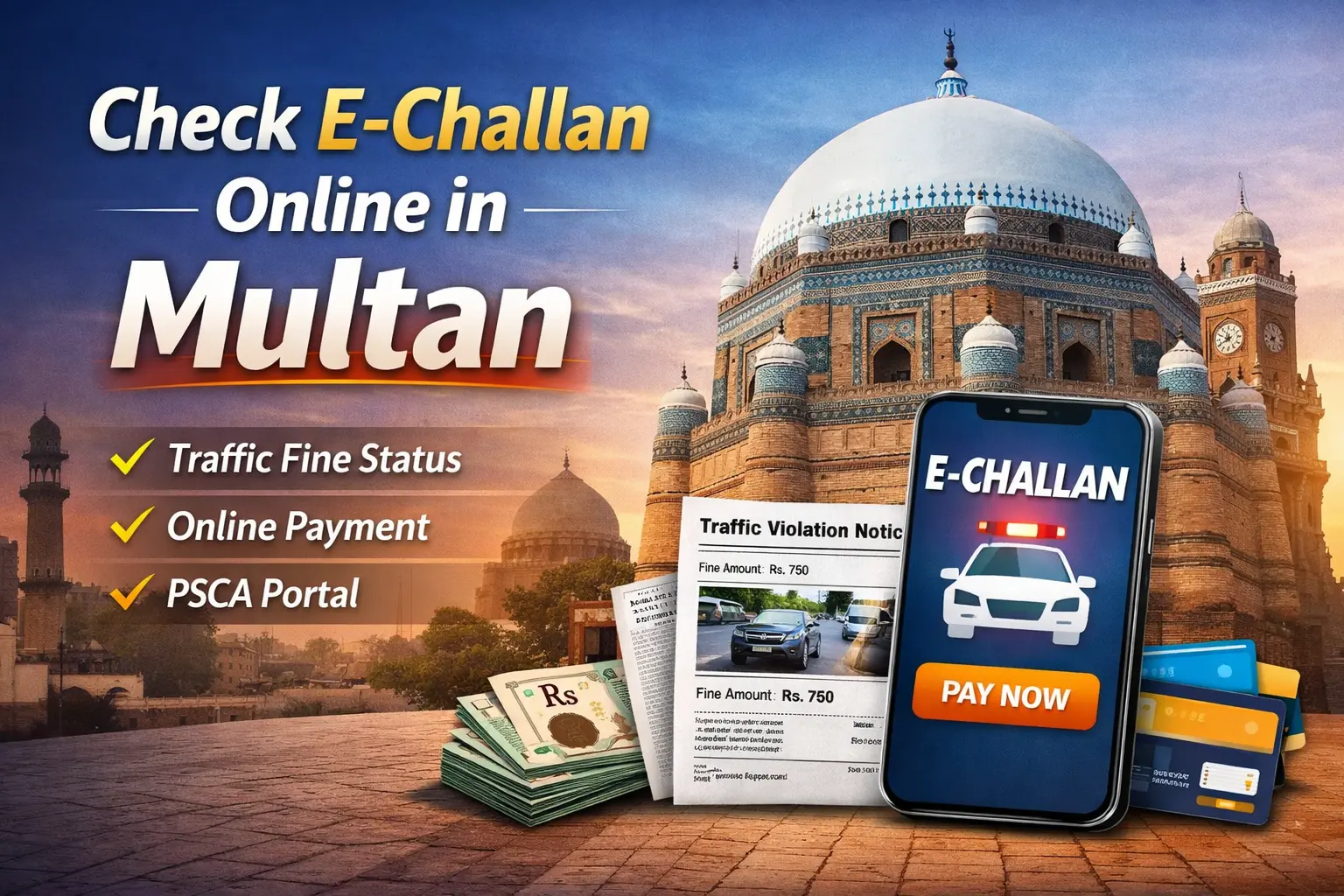
PSCA Check E-Challan Online in Multan Complete Process 2026
Checking your E-Challan online in Multan is now a simple and convenient way to manage traffic fines. Using the official PSCA portal, citizens can view, verify, and pay their fines without visiting traffic offices. This digital system ensures accuracy, saves time, and helps avoid legal issues or penalties caused by late payments. Whether it’s a speeding violation, signal jumping, or unauthorized parking, you can quickly access your e-challan details online and take immediate action.
The portal also helps you to check the status of previously paid fines and download official receipts for record-keeping. By using the online system, vehicle owners in Multan can stay informed, compliant, and safe from unnecessary hassles.
| Violation Type | Fine Amount (PKR) | Notes |
|---|---|---|
| Speeding | 2000 | Depends on severity |
| Signal Jumping | 2000 | First-time penalty |
| Unauthorized Parking | 2000-5000 | Local area rules |
| Overloaded Vehicle | 2000-5000 | Based on vehicle category |
| No Helmet (Motorcycle) | 2000 | Mandatory for riders |
| Driving Without License | 5000 | Serious offense |
| No Seatbelt | 5000 | Applies to driver and front passenger |
What is an E-Challan and How It Works in Multan
An E-challan is a digital traffic ticket issued for violations under the traffic rules of Multan. Instead of traditional paper challans, the system records violations electronically and links them to your vehicle registration and driver information. This allows authorities to track offenses and citizens to check their fines conveniently online through the PSCA portal or mobile app.
Common traffic violations that generate e-challans in Multan include:
- Speeding fines
- Signal jumping
- Unauthorized parking
- Overloading vehicles
The digital system ensures transparency, accurate fine tracking, and easy online payment, helping vehicle owners in Multan manage their traffic responsibilities efficiently.
How to Perform an Check E-Challan Online in Multan
Checking your E-challan online in Multan is simple and saves time compared to visiting traffic offices. Citizens can verify pending or paid fines using the official PSCA portal or mobile app, ensuring accuracy and transparency.
Follow these steps to perform an online check:
- Visit the official PSCA portal or open the PSCA mobile app.
- Enter your vehicle registration number, PSID, or payment slip ID.
- Click on “Check Status” to view all pending and paid fines linked to your vehicle.
- Review details such as violation type, date, and fine amount.
- Save or print the challan information for your records.
By following this process, you can easily spot and manage E-challan online checks in Multan, ensuring that all traffic fines are up to date and avoiding any legal complications.
How to Verify Vehicle and Driving License Details in Multan
Before paying any fines, it is important to verify your vehicle and driving license details in Multan to ensure accuracy. Using the official PSCA portal or app, you can confirm ownership, registration status, and license validity. This step helps avoid mistakes and ensures your payments are correctly applied.
Follow these steps for verification:
- Log in to the PSCA online portal or open the mobile app.
- Enter your vehicle registration number to check ownership and status.
- Verify your driving license details against official records.
- Ensure all documents, including registration and previous verification certificates, are valid and up to date.
Regular verification not only helps you spot any errors or discrepancies but also ensures compliance with Multan traffic rules.
Online Payment Options for E-Challan in Multan
Paying your E-challan online in Multan is quick and secure through multiple official channels. Using authorized platforms ensures that your payment is recorded correctly and helps you avoid fines or legal issues. Citizens can choose from online portals, mobile apps, or bank payment options depending on convenience.
Available Payment Methods:
| Method | Features | Reliability |
| PSCA Online Portal | Direct payment via debit/credit cards | High |
| Bank Payment | Pay fines at approved branches | Medium-High |
| Mobile Apps | Instant payment using PSCA or authorized apps | Medium-High |
Tips for Payment:
- Always use official PSCA channels to avoid fraud.
- Save the payment confirmation receipt for future reference.
- Double-check vehicle and challan details before completing payment.
Using these methods makes it easy to complete your E-challan online check in Multan and ensures your fines are fully settled.
Understanding Fine Rates and Violation Types in Multan
Traffic fines in Multan vary depending on the type and severity of the violation. Knowing the fine rates and violation types helps citizens manage their responsibilities and avoid penalties. The PSCA portal provides detailed information on all common traffic offenses, making it easy to check fines before payment.
Common Violation Types in Multan:
- Not Wearing a Helmet: PKR 2000
- Not Wearing a Seatbelt: PKR 2000
- Driving Without a License: PKR 5000
- Driving Without Registered Vehicle Documents: PKR 5000
- Speeding or Signal Jumping: PKR 2000
| Violation Type | Fine Amount (PKR) | Applies To | Notes |
| Not Wearing Helmet | 2000 | Motorcycle Riders | Helmet is mandatory for rider |
| Not Wearing Seatbelt | 2000 | Car Drivers & Front Passengers | Seatbelt required at all times |
| Driving Without License | 5000 | All Vehicle Drivers | Valid driving license is compulsory |
| Driving Without Registered Vehicle Documents | 5000 | All Vehicles | Registration book/card required |
| Speeding | 2000 | Cars & Motorcycles | Based on city speed limits |
| Signal Jumping | 2000 | All Vehicles | Red signal violation |
| Illegal Parking | 2000 | Cars & Motorcycles | Parking in restricted areas |
| Overloading | 2000 | Commercial Vehicles | Exceeding allowed load limit |
How to Check E-Challan History and Payment Status in Multan
Checking your E-challan history and payment status in Multan helps you keep track of all past fines and ensures no pending payments are missed. The official PSCA portal and mobile app allow citizens to access this information quickly and securely.
Follow these steps to view your challan history:
- Log in to the PSCA online portal or mobile app.
- Enter your vehicle registration number or PSID/payment slip ID.
- View a list of all previous and pending fines, including violation type, date, and fine amount.
- Download or print receipts for record-keeping and proof of payment.
- Confirm that all fines are correctly recorded and paid.
Using this process ensures that you can manage your E-challan online check in Multan efficiently and maintain up-to-date records of all traffic fines.
Tips to Avoid Traffic Fines and Manage E-Challan in Multan
Preventing traffic fines is always better than paying them. By following a few simple steps, citizens in Multan can manage E-challan online checks effectively and avoid penalties.
- Follow Traffic Rules: Always obey speed limits, signals, and road signs to avoid common violations.
- Wear Helmet and Seatbelt: Ensure riders and passengers follow safety rules to prevent fines of PKR 2000.
- Carry Valid Documents: Keep your driving license and vehicle registration ready to avoid PKR 5000 fines.
- Use Official PSCA Channels: Check fines and pay online via the PSCA portal or app to prevent fraud.
- Stay Updated: Monitor PSCA notifications for any new fines, updates, or city-specific rules.
By practicing these tips, vehicle owners can spot and manage E-challan online checks in Multan efficiently, stay compliant with traffic laws, and avoid unnecessary penalties.

Contact Information and Helpdesk for E-Challan Issues in Multan
If you need help with E-challan online check in Multan, contacting the right authorities can save time and resolve issues quickly. Below are official contact details for the City Traffic Police and PSCA support services:
City Traffic Police, Multan – Official Contacts:
- Traffic Police Helpline (Emergency): 15 (police emergency)
- City Traffic Police Call: 061‑4422386
- Traffic Help Line (Mobile): 0335‑9151915
- Help Unit (Road Assistance): Dial 1915 (for traffic help and support)
- FM Traffic Awareness: FM 88.6 (Multan Police Broadcast)
PSCA (Punjab Safe Cities Authority) E‑Challan Support:
- Official PSCA E‑Challan Portal: echallan.psca.gop.pk (for e‑challan online check and payment)
- PSCA General Helpline: 15 (Punjab Safe Cities Authority)
- Email Support: info@psca.gop.pk
Tips when contacting support:
- Always use official numbers and PSCA portal links to avoid scams.
- Have your vehicle registration number, PSID/payment slip ID, or challan number ready to speed up the process.
These contacts help you with challan verification, payment issues, disputed tickets, and general traffic queries in Multan.